
Please note: To accelerate the scooter, you must first push off with your foot, then gently press the lever to accelerate.

Download the app
Download the Scooter Ding Ding app on your mobile device.
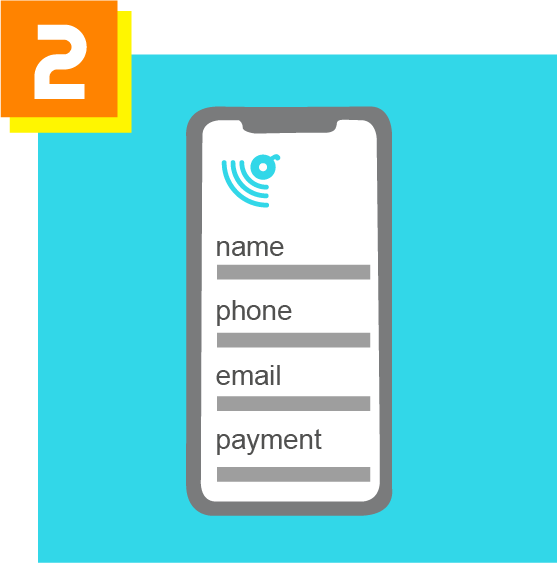
Log in + Register
Input your information and payment preference.
All riders must input their card information before riding.
Find a scooter
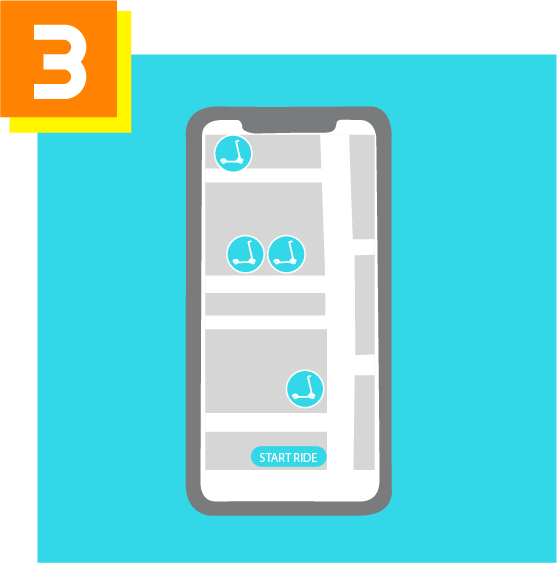
Using the map in the Scooter Ding Ding app, look for a scooter near you! Or visit one of the scooter rental/parking locations to find an available scooter. Select “START RIDE.”
Scan qr code
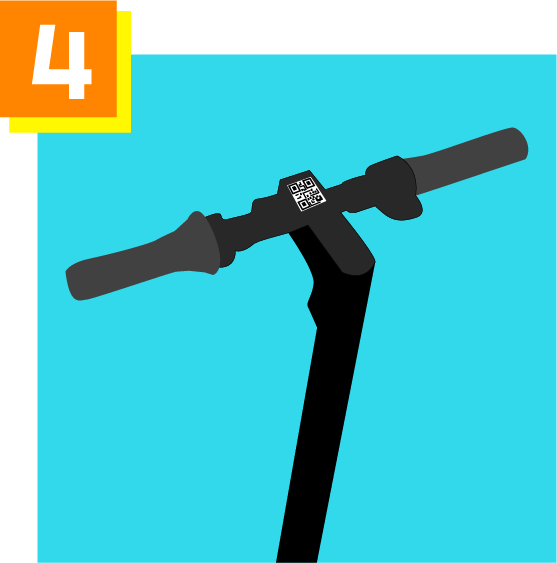
Using your mobile device, scan the QR code on the top of the scooter. This will unlock the scooter.
If the QR code is unable to be scanned using your mobile device, simply type in the vehicle ID, located directly beneath the QR code.
You are now ready to ride!

Ride
Get on the scooter and go!
To have a safe ride, please follow these rules:
- Wear a helmet. Anyone under the age of 18 must wear a helmet.
- Do not use sidewalks when signage states for pedestrian use only.
- Watch for road obstructions, such as holes, ridges, etc.
- Follow traffic laws.
- Please view our safety page here.
Park Responsibly
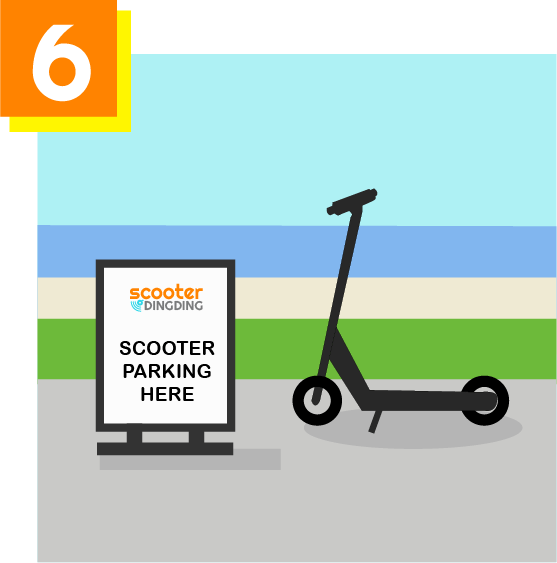
When you have completed your ride, use the kickstand to keep the scooter upright. You must park scooter at a Scooter Ding Ding designated parking location in order to end your ride.
These parking areas can be found using the Scooter Ding Ding app or here. Please note that you will not be able to end your ride outside of a designated parking area.
End your Ride
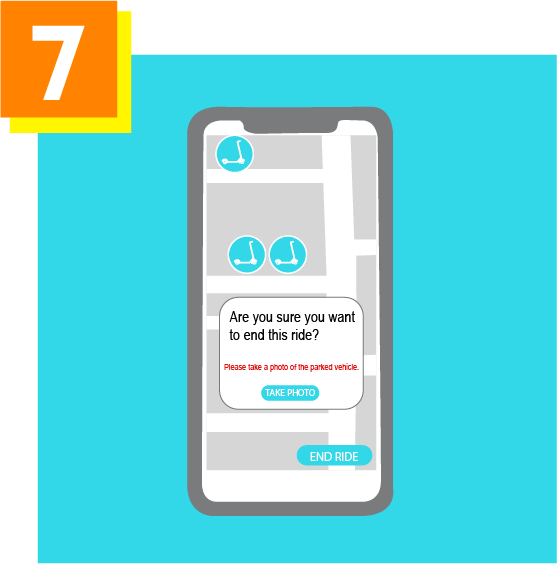
Using your mobile device, please select “END RIDE.” You will be prompted to take a photo of the parked vehicle.
Return rented helmet.